
Set Up Once.
Stay Ahead Forever.
Each step below brings you closer to a system that runs your entire front end automatically. This transition is simple, guided, and only needs to be done once. When you complete it, you’ll be operating with tools that most businesses will not adopt for years. You will be at the front of the AI shift while everyone else is still figuring out how to keep up.
And the best part is that your system keeps improving on its own. As AI evolves, your BusinessPilot setup continues getting smarter, faster, and more capable. You set this up once, and it only becomes more valuable as the technology grows.
Step 1
Your Setup Begins the Moment You Join
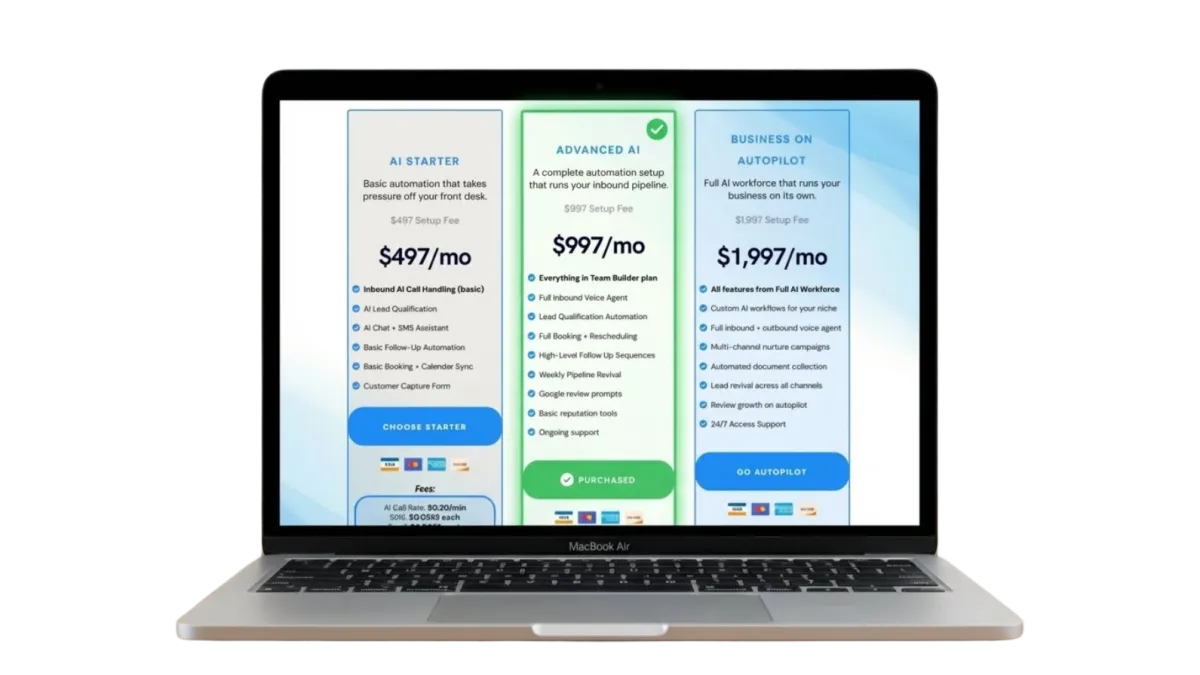
The second you choose your package, your build slot is locked in and your onboarding sequence begins.
You move straight into the first step of bringing BusinessPilot into your operation.
This is where your journey officially starts.
Step 2
Your Business Profile Gets Created
Right after checkout, you complete the onboarding form that shapes BusinessPilot around your exact business.
Your answers give us the clarity we need to build your system the right way from day one.
This is what allows everything to match your real workflow.
Capture your services and offers
Define how customers reach you
Set your tone and preferences
Give us the data we need to build your AI team
Step 3
Your Dashboard Opens Up
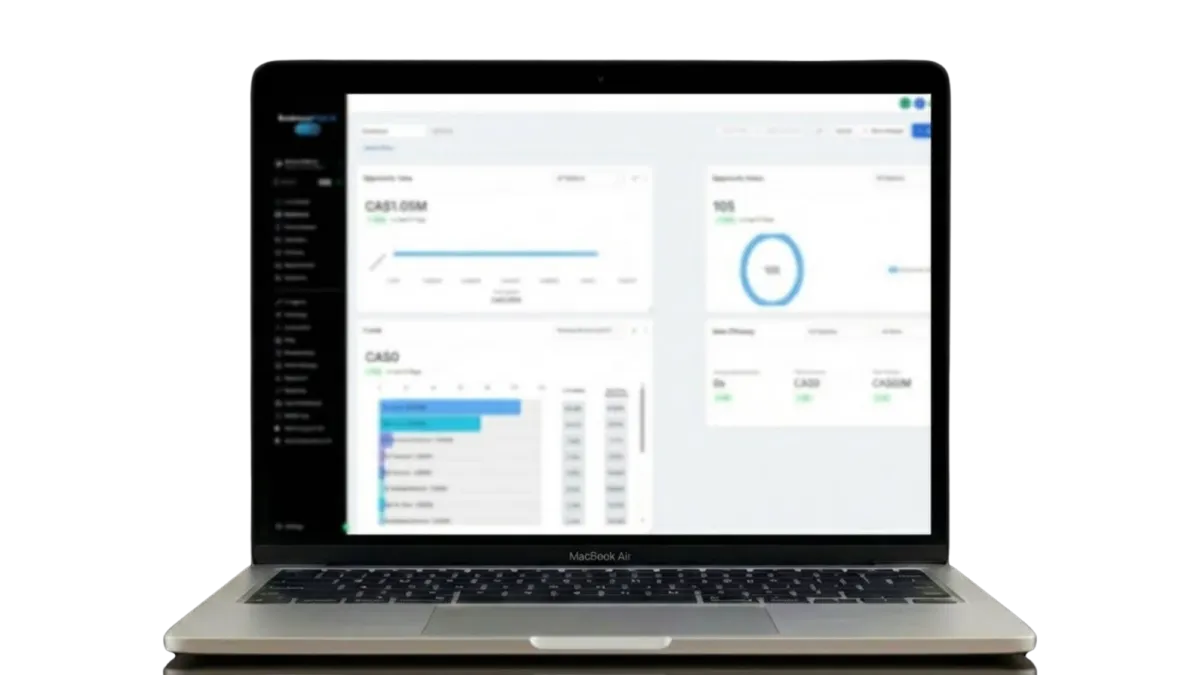
Once your form is submitted, you get instant access to your BusinessPilot dashboard.
This is the central hub that holds your CRM, your messaging, your calendar, and your customer activity.
This is where you see your system come together.
View your CRM
See all conversations
Check your calendar
Connect the channels you use every day
Step 4
You Learn the System in Minutes
You are then guided through short onboarding videos that walk you through every key part of the dashboard.
These videos show you what each section does, why it matters, and how it all works together.
This step gives you complete confidence.
Understand your CRM
See where leads appear
Learn how conversations flow
Know which tools you may want to link
Step 7
We Build Your AI Workforce

Your build period begins once everything is submitted. Our team creates your agents, maps your workflows, tests your systems, and prepares your entire operation at the highest level.
This is where BusinessPilot becomes your new digital team.
Your workflows get built
Your agents get configured
Your integrations get connected
Your entire operation gets tested
Step 6
BusinessPilot Goes Live
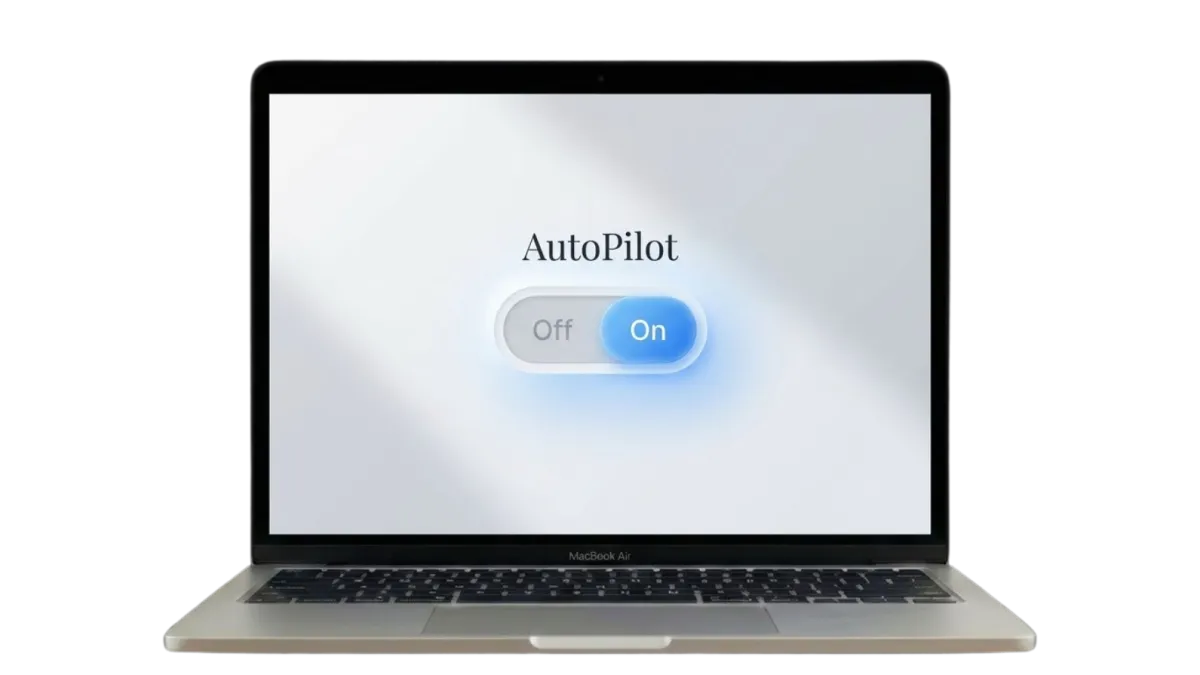
When the build is complete, you receive a notification.
This is the moment your new AI employees officially enter your business and begin operating inside your system.
This is where everything changes.
Respond to inbound interest
Handle calls or texts depending on your setup
Qualify leads
Book appointments
Answer common questions
Push customers to the correct next step
Keep everything documented inside your dashboard
Links
Subscribe To Our Newsletter
Accepted Payments:

We Won’t spam. Unsubscribe at any time.