Set Up Once.
Stay Ahead Forever.
Each step below brings you closer to a system that runs your entire front end automatically. This transition is simple, guided, and only needs to be done once. When you complete it, you’ll be operating with tools that most businesses will not adopt for years. You will be at the front of the AI shift while everyone else is still figuring out how to keep up.
And the best part is that your system keeps improving on its own. As AI evolves, your BusinessPilot setup continues getting smarter, faster, and more capable. You set this up once, and it only becomes more valuable as the technology grows.
Step 1
Your Setup Begins the Moment You Join
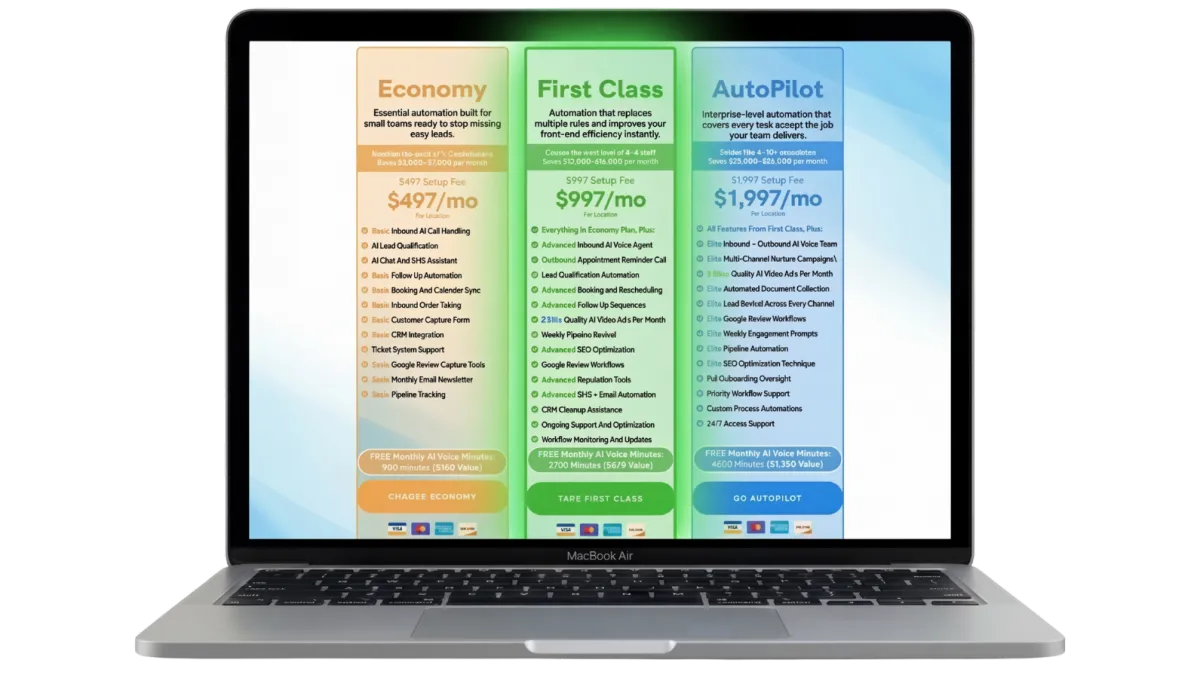
Once you join, your BusinessPilot workspace is created immediately and your login details are sent to you right away. You get instant access to your BusinessPilot dashboard and mobile app, so you can explore the system, see how everything is laid out, and get familiar with it from day one.
While you’re inside the dashboard, your full build is already in motion behind the scenes. You’ll be able to see your onboarding steps, your setup timeline, and exactly what’s being worked on as your AI workforce is prepared. Nothing is hidden, nothing is stalled. You’re live inside the system while the infrastructure is being completed.
This is where your journey officially starts.
Step 2
A Guided Onboarding Form Tailored to Your Business
This onboarding form goes deeper than a typical setup form, and that’s on purpose. BusinessPilot isn’t a simple tool, so a shallow setup would create shallow results.
This is the most work you’ll need to do during onboarding. In return, it allows us to configure how your AI workforce talks to customers, filters out low-intent leads, routes conversations, handles booking logic, sends reminders, and follows up after jobs are completed.
Think of this as teaching the system how to run your business the right way, once, so you don’t have to keep correcting it later.
Capture your services and offers
Define how customers reach you
Set your tone and preferences
Give us the data we need to build your AI team
Step 3
You Learn the System in Minutes
Inside your dashboard, an onboarding widget guides you step by step through connecting everything BusinessPilot needs to run your front end. It is built to hold your hand through the setup, so your dashboard becomes your new home base, linked to the channels and endpoints your business already uses.
You’ll connect things like messaging channels, calendars, and other operational tools so leads, conversations, and bookings flow into one place automatically. And to be clear, you never share passwords. Connections are made through secure provider authorization, meaning you approve access without handing over login credentials.
This step is the bridge between “new dashboard” and “fully connected system.”
This step gives you complete confidence.
Understand your CRM
See where leads appear
Learn how conversations flow
Know which tools you may want to link
Step 4
We Build Your AI Workforce

By this point, the majority of your BusinessPilot system has already been built in the background. While you’ve been completing onboarding steps and getting familiar with the dashboard, our team has been working in parallel to assemble your AI workforce.
Throughout the process, we’ll have checked in to keep you informed on progress, confirm milestones, and make sure you always know where things stand. These updates are designed to give you visibility and confidence, not slow things down. Your build continues moving forward regardless.
At this stage, we finalize your AI agents, lock in workflows, verify integrations, and run full end-to-end testing. Conversations, bookings, reminders, and follow-ups are all validated so the system behaves exactly as intended when it goes live.
This is where BusinessPilot becomes your new digital team.
Step 5
BusinessPilot Goes Live
When your build is complete, you’ll be notified to book your Kickoff Call.
This call is required before your system goes live.
During the Kickoff Call, we walk through your exact setup, confirm how BusinessPilot is handling calls, messages, qualification, and bookings, and make sure everything aligns with how your business actually operates.
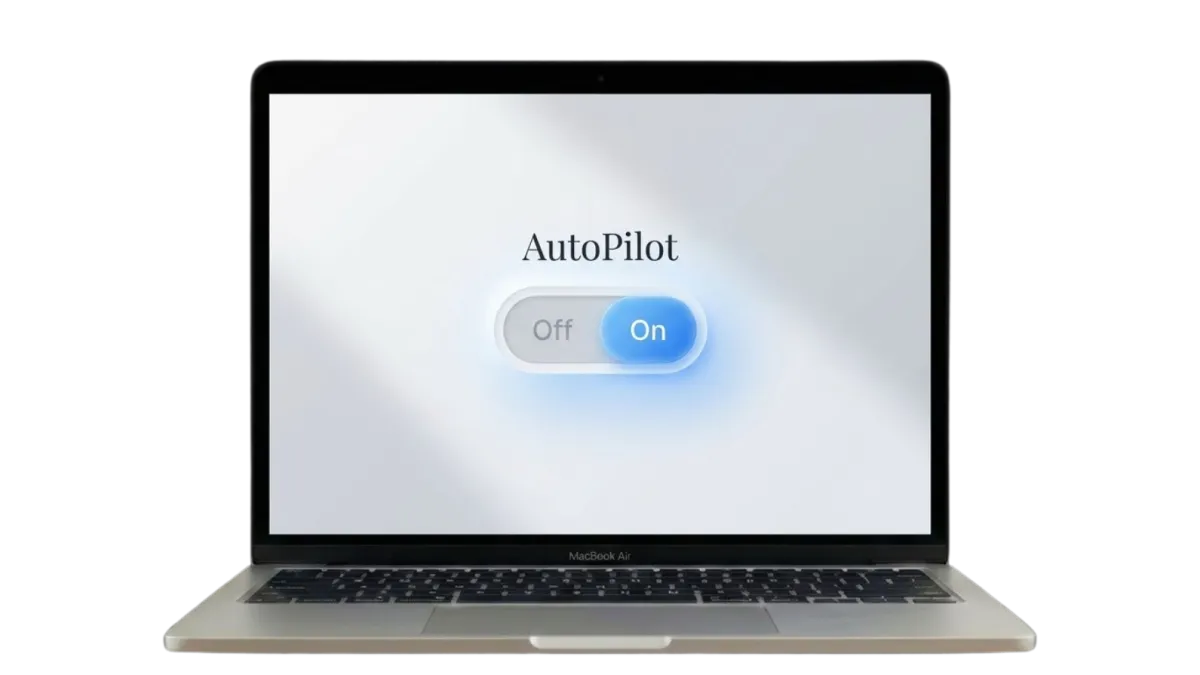
Once this call is complete and approved, AutoPilot is turned on.
From that moment forward, BusinessPilot begins operating inside your business exactly as designed:
Calls are answered. Messages are handled. Leads are qualified. Bookings are guided forward. Follow-ups and reminders run automatically.
All of it happens in real time, without your team needing to intervene.
This is the moment your front end stops depending on constant attention and starts running with consistency. Most customers describe this as the point where they realize they will never run their business the old way again.
The Kickoff Call is not about learning software or managing settings.
It is about clarity, confidence, and final approval before going live.
This is where everything changes.
STILL NOT SURE?
Frequently Asked Questions
1. Will this replace my staff?
No. Your team still handles the work that needs a human. The AI employees handle the parts no one wants or has time for. Intake, replies, follow ups, booking. Your staff end up talking to more serious customers and wasting less time.
2. Do my customers know they’re talking to AI?
No. They just think they’re getting fast service. People care more about getting a quick reply than who sends it. Most businesses that use this see fewer complaints and more positive comments about how “responsive” they became.
3. How hard is this to set up?
We set everything up for you. The CRM, the workflows, the phone numbers, the voice agent, the integrations - all done. You don’t need to touch anything technical.
4. What if the AI says something wrong?
Your AI employees are trained on your business, your services and your workflow. We're always monitoring them. If they ever need adjustments, or you notice anything wrong... we update them instantly. Most clients are surprised how accurate it is right out of the gate.
5. Will this work with the systems I already use?
Yes. We can plug into your existing tools or give you the free CRM included in all plans. Either way, your leads end up in one clean place.
6. What happens if a customer calls instead of texting?
Your inbound voice agent answers the call instantly, gathers details, qualifies the customer and even books them if needed. No more missed calls during jobs.
7. What if I’m not great with tech?
You don’t need to be. Everything runs behind the scenes. You get a dashboard to check bookings and that’s it. Most clients never change a setting after onboarding.
8. Can I start small and upgrade later?
Yes. Every BusinessPilot plan includes a full CRM that powers your AI system.
It tracks leads, conversations, and bookings automatically. You don’t need to set anything up or manage it yourself.
9. Does this work for my industry?
If your business depends on answering leads, booking jobs, sending estimates, or following up, then yes. The workflows change slightly by niche, but the system works the same for all service businesses.
10. How fast will I see results?
Most owners see a difference within the first week. The AI answers leads the moment they come in, so the increase in conversations and bookings is usually immediate.
11. Is this expensive?
For most businesses, the AI employees cost less than hiring one part-time person. They can handle the work of multiple roles. To be exact... it's roughly 95% cheaper then a human staff and works 24/7. So you do the math!
12. What kind of support do I get?
You get ongoing support, updates, and improvements. If anything breaks or needs tweaking, we fix it. You’re never left on your own.
15. What if I need to change something later?
We adjust everything for you. Prices, services, availability, job types, questions - whatever changes in your business, we update the AI so it stays accurate.
16. Can the AI handle accents or people who talk fast?
Yes. It’s built to understand normal variations in speech, slang, accents and background noise. If a caller is unclear, the AI asks them to repeat instead of guessing.
19. Is my data safe?
Yes. All customer info, conversations and recordings stay inside your CRM. Nothing is shared or used outside your account.
Links
© 2026 Business Pilot A.I - All Rights Reserved.
Phone: (902) 705-7576